
Fortress Hedge EA V1.0 MT4 — Build a Safer Base With Smart, Two-Sided Logic
If you’ve ever watched a great setup turn into a whipsaw mess, you already know why hedging exists. Markets trend… until they don’t. Fortress Hedge EA V1.0 for MT4 is designed to keep you in the game during those messy parts—absorbing shocks, balancing exposure, and letting the math do the heavy lifting while you focus on the bigger picture. It works on any pair and any timeframe, which makes it a flexible core bot for mixed portfolios, prop evaluations, or simply smoothing out your day-to-day equity curve.
Below, you’ll find how the strategy works, features you can toggle, setup steps, and risk notes that matter. No hype—just a practical guide to start safely.
What Is Fortress Hedge EA?
Fortress Hedge EA is an automated expert advisor that uses a two-sided (long/short) hedging framework to stabilize drawdowns when price chops around or breaks out against your initial bias. The EA opens a primary trade based on its directional signal and then monitors price behavior. If volatility spikes or the trend fades, the system can deploy a protective hedge, aiming to offset floating loss and reduce equity swings.
Because it’s pair-agnostic and timeframe-agnostic, you can attach it to the assets you actually trade—majors, minors, crosses, indices, even gold—then fine-tune risk so the strategy fits your account and broker conditions.
Who it’s for:
- Traders who want smoother equity and lower psychological stress.
- Users who understand risk and want a controlled, rules-based hedge rather than random firefighting.
- Prop-firm candidates needing consistent risk control across varying market states.
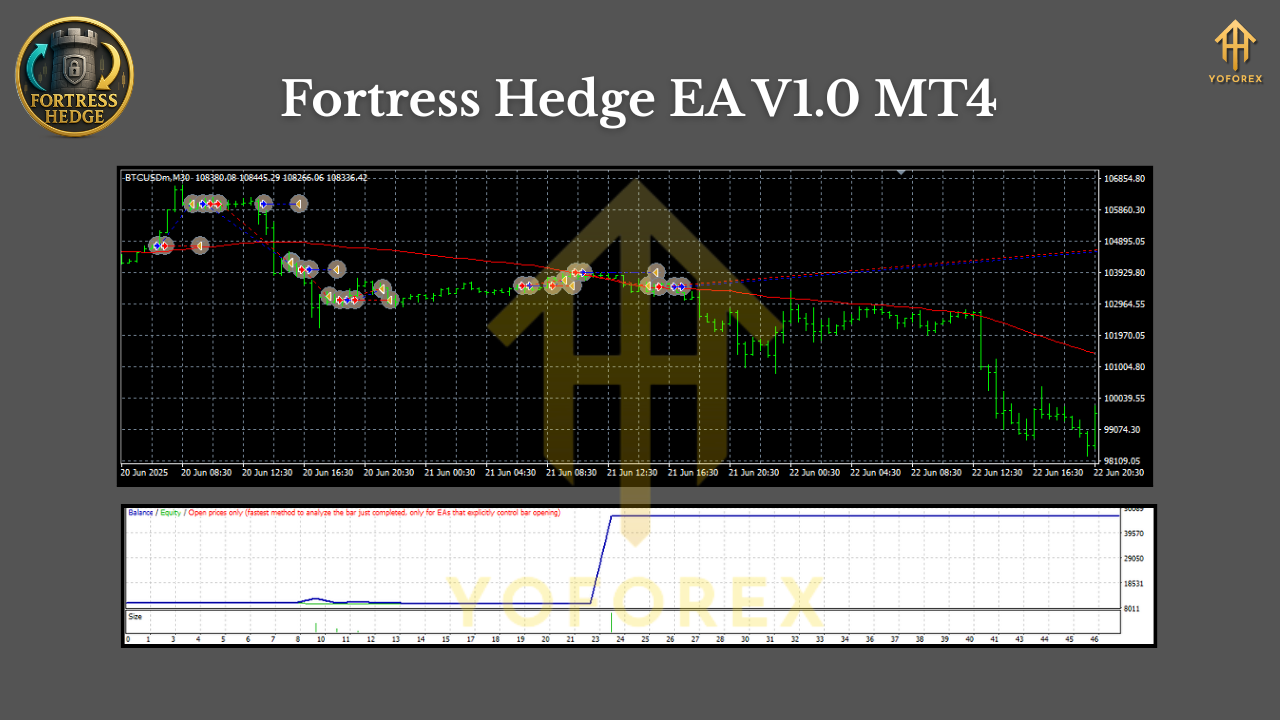
Key Features
- Any Pair, Any Timeframe: Attach to EURUSD M15, GBPJPY H1, XAUUSD H4—Fortress adjusts via your settings.
- Directional Core + Protective Hedge: Primary entries follow the signal; protective opposite orders can engage if price deviates.
- Dynamic Hedge Ratios: Choose fixed lot hedges or ratio-based add-ons that react to volatility or distance.
- ATR-Aware Filters: Optional ATR filters help the EA distinguish quiet vs. chaotic markets before deploying protection.
- Equity-Based Safety Net: Daily loss cap, max floating DD, and emergency stop logic to prevent runaway risk.
- No Martingale Requirement: Hedge sizing does not need exponential lot growth; keep it linear and sane.
- Spread & Slippage Guards: Block entries during bad spreads or news spreads; protect fills on fast markets.
- Session Controls: Trade only London/NY if you want; pause during rollover.
- News Pause (Optional): Skip minutes before/after major events to avoid random spikes.
- Clean Chart Labels: See which side is the core vs. the hedge; easy audit of logic.
How Fortress Hedge EA Trades (In Plain English)
- Primary Signal: The EA evaluates trend strength and momentum on your chosen timeframe. If conditions meet the plan, it opens a core position (buy or sell).
- Deviation Check: If price moves favorably, the position manages to TP via static levels or ATR-based exits.
- Hedge Trigger: If price moves against the core beyond a defined threshold (distance, ATR multiple, or time-based rule), the EA can place a protective hedge in the opposite direction.
- Balancing Act: The core and the hedge offset each other’s floating P/L. As structure evolves, the EA looks for safe exits, partial closes, or reversion points to unwind exposure.
Risk Guardrails: If equity drawdown or daily loss limits are touched, trading can pause or flatten—your choice.
This isn’t a “spray and pray” grid. You can keep hedge multipliers conservative, introduce max step counts, and require structure confirmation before every additional order.
Recommended Ways to Run It
Because pairs and timeframes are open, here are practical templates to start with. Backtest and demo first; then refine.
Conservative, Trend-Respecting Setup (good for majors)
- Timeframe: H1
- Core lot: 0.01 per $1,000
- Hedge: 0.01 (1:1) after ATR(14) × 1.5 adverse move
- Max hedges: 1–2
- TP/SL: TP at ATR(14), SL at ATR(14) × 2
- News Pause: On for red-label events
- Daily loss cap: 2–3%
Balanced Setup for Faster Pairs (e.g., GBPJPY)
- Timeframe: M30
- Core lot: 0.02 per $1,000
- Hedge: 0.01–0.02, activate at ATR × 1.2 or defined pips
- Max hedges: 2–3 with min distance enforced
- Trailing: On (ATR-based)
- Session control: London & NY only
Metals/Indices (higher volatility)
- Timeframe: H1/H4
- Core lot: 0.01 per $2,000 (more conservative)
- Hedge: 0.01 at ATR × 1.0–1.5 adverse move
- Max hedges: 1–2
- Spread filter: Tight, block entries during rollovers
Installation & Setup (MT4)
- Copy Files: Place the EA file into
MQL4/Expertsinside your MT4 data folder. - Restart MT4: Or right-click Navigator > Refresh.
- Enable Algo Trading: Click the Algo Trading button so it’s green.
- Attach to Chart: Open your chosen symbol/timeframe; drag Fortress Hedge EA onto the chart.
- Inputs Page:
- Set lot size and risk percent (use either; not both).
- Choose hedge trigger method (ATR, pips, or hybrid).
- Set max hedges, min step distance, and ratio (e.g., 1:1).
- Configure daily loss cap, max floating DD, spread limit, session hours, and news pause if available.
6. Smile Check: Ensure the happy face in the chart’s top-right corner shows the EA is live.
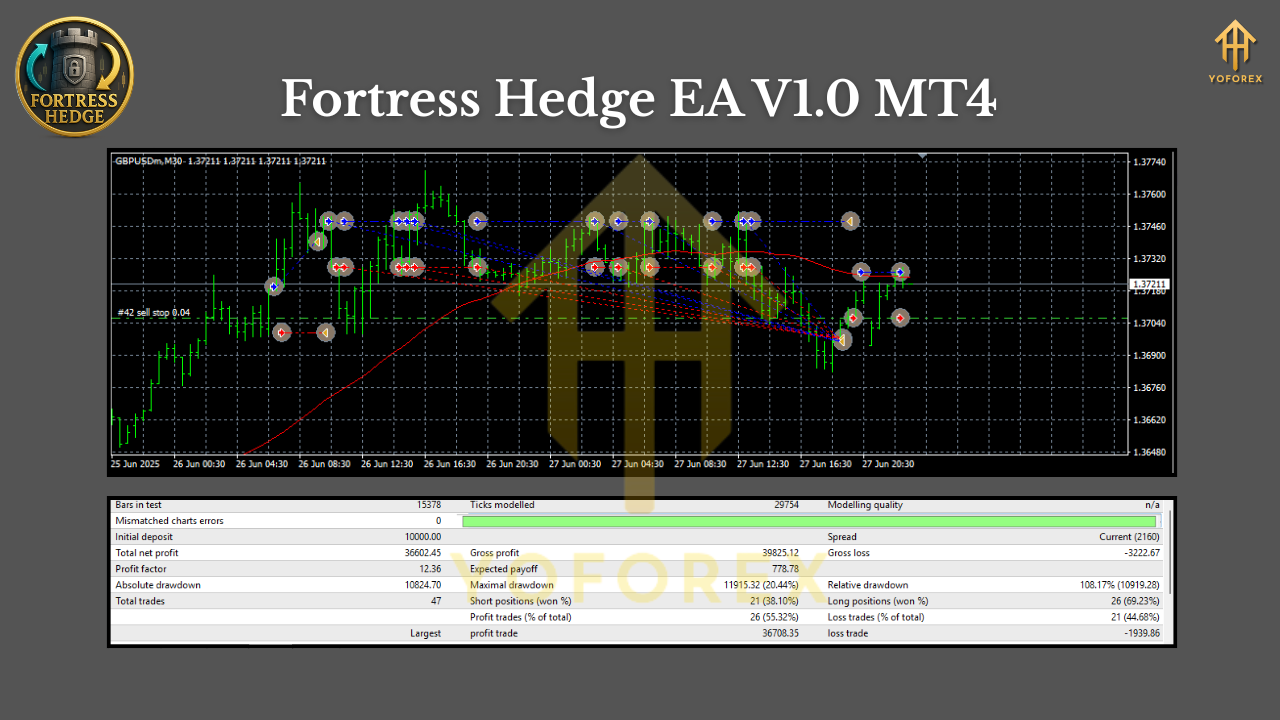
Risk Management That Actually Matters
Hedging is not a cheat code. It buys time and smooths the ride, but you must still control exposure. Keep these principles:
- Cap the number of hedges. Infinite layers equal infinite risk. Pick a limit (often 1–2 is plenty).
- Use ratios sensibly. Linear or near-linear lot sizing preserves survivability; avoid runaway growth.
- Define a pain point. Daily loss pause and equity protection are your seatbelts—wear them.
- Mind the spread. Especially on gold, exotic crosses, and rollover.
- VPS & Low Latency. If you’re running multi-pairs or fast timeframes, stability beats everything.
Best Practices & Tips
- Portfolio Approach: Run Fortress on 2–4 uncorrelated symbols with independent risk rather than pushing one pair too hard.
- Backtest, Then Forward Test: Backtest gives shape; demo forward test confirms fills, spreads, and slippage realism.
- Adjust With ATR: If markets get louder, raise thresholds automatically with ATR-based triggers.
- Pause Around News: Fortress can reduce chaos, but you don’t need to “win” every spike.
- Journal Settings: When you scale capital, you’ll thank yourself for documenting the exact inputs that worked.
Who Should Skip Fortress?
If you want an all-in martingale escalator that “never loses,” this isn’t it. Fortress is for traders who respect capital preservation just as much as profit. It’s a tool for discipline, not a substitute for it.
Final Word
Fortress Hedge EA V1.0 MT4 is a pragmatic way to handle uncertainty. It won’t turn every pullback into profit, but it does give you a rules-based framework to reduce drawdowns, balance exposure, and let time work in your favor—without the emotional rollercoaster. Start small, keep your hedge count limited, and let the system show you where it shines.






Comments
Leave a Comment