
FX SHIELD EA V1.0 MT5 — a smart, structured EMA crossover robot with real risk control
If you’ve been hunting for a clean, rules-driven MT5 expert advisor that doesn’t go crazy with martingale or mystery grids, FX Shield EA V1.0 might be exactly what you need. Built on the reliable fxDreema framework, it blends a classic (and time-tested) EMA crossover concept with disciplined money management and trade handling. The result? A professional-grade robot that adapts in real-time, stays organized under pressure, and helps both beginners and experienced traders execute with consistency across M15 to H1 timeframes.
What is FX Shield EA—and why traders like it
At its core, FX Shield EA uses two EMAs (fast vs slow) to identify shift-in-trend opportunities. When momentum lines up and filters agree, the EA places entries with pre-defined risk, then manages the position automatically—think stop placement, trailing behavior, partial exits (if enabled), and clean closures when signals reverse or the market turns choppy. Because the logic is built with fxDreema blocks, the flow is transparent and customizable, which advanced users appreciate; at the same time, the default profile is sensible enough that newer traders aren’t overwhelmed right out of the box.
The EA shines on trending majors (EURUSD, GBPUSD, USDJPY, USDCAD) where EMA signals are more reliable and spreads are competitive. You’ll typically deploy it on M15, M30, or H1—choosing the chart based on how often you want trades and how much noise you’re comfortable with. Lower timeframes = more signals and more sensitivity; higher timeframes = fewer but cleaner setups.
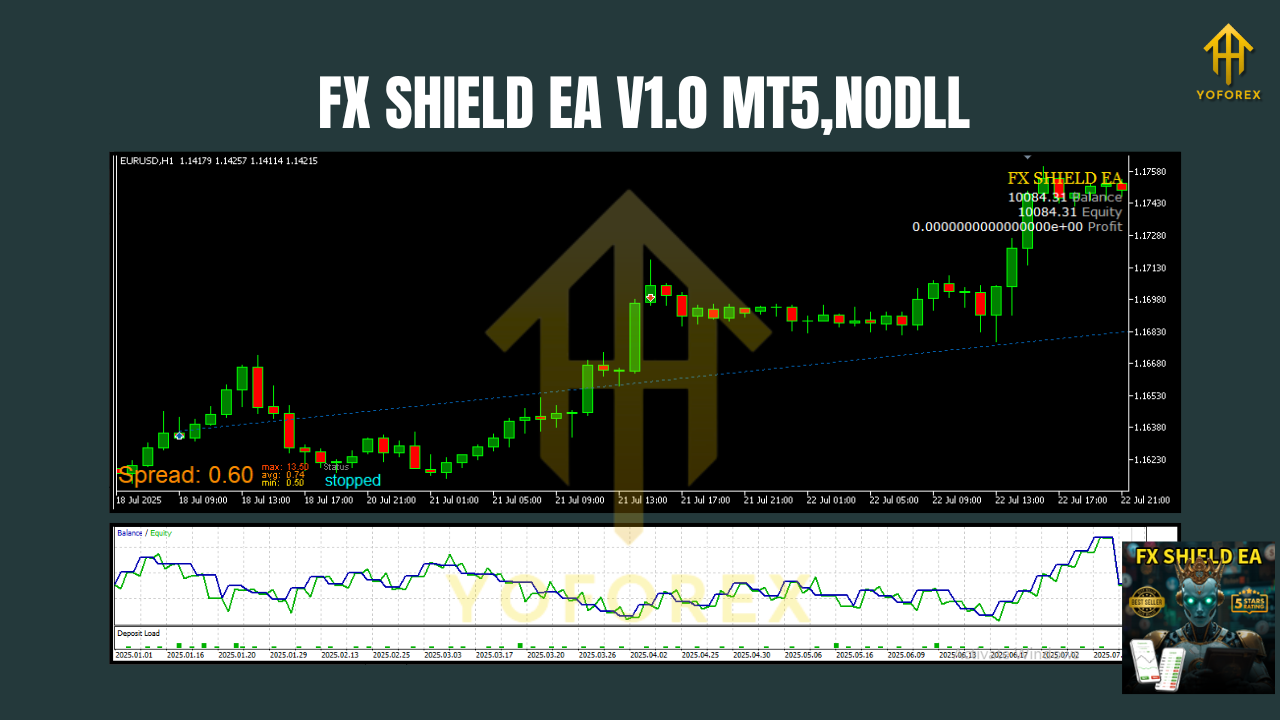
How the strategy works (plain English)
Here’s the simplified logic flow most users run:
- Trend check: The fast EMA crossing above/below the slow EMA indicates a new directional bias.
- Filter pass: Optional filters (e.g., minimum candle body, volatility threshold, or time filter) confirm whether conditions are “tradable” instead of random chop.
- Risk-first entry: When conditions pass, a position opens with a fixed percentage risk or a fixed lot (your choice).
- Protective stops: Initial stop is placed logically (user-configurable).
- Adaptive management: As price moves, the EA can trail stops, move to break-even, scale out partially, or exit on invalidation (EMA flip or filter fail).
- Graceful exit: If a reversal occurs, the EA closes out—no fighting the tape, no doubling down.
Key features (you’ll actually use)
- fxDreema foundation: Clean block logic makes it easier to understand, tweak, and extend.
- EMA crossover engine: A proven, transparent entry model that aligns with trend shifts.
- M15–H1 ready: Sweet spot for balancing signal frequency and quality.
- Pair focus: Optimized for EURUSD, GBPUSD, USDJPY, USDCAD.
- No martingale, no grid: Risk stays linear and predictable.
- Configurable risk per trade: Fixed lots or %-based, with caps for max exposure.
- Smart exits: Trailing stop, break-even, and optional partial take-profit.
- Session/time filters: Avoid dead hours or high-impact news windows if you prefer.
- Drawdown controls: Daily/weekly stop or “cool-down” to protect capital.
- Error handling: Built-in checks help prevent duplicate or out-of-session orders.
- Alerting options: Notifications when trades open/close (depending on your MT5 settings).
- VPS-friendly: Lightweight logic designed to run 24/5 without babysitting.
Best market conditions & pairs
FX Shield EA thrives when markets trend, even modestly. That’s why it’s tuned for EURUSD, GBPUSD, USDJPY, and USDCAD—pairs where spreads are tighter and directional phases are frequent enough to matter. In flat, low-volatility regimes, the EMA crossover may produce whipsaws; that’s where your filters and time rules do the heavy lifting, keeping you out of messy conditions.
Tip: If you notice extended ranges, consider stepping up to H1, enabling a slightly wider stop, and letting the trailing logic do its job when breakouts finally hit.
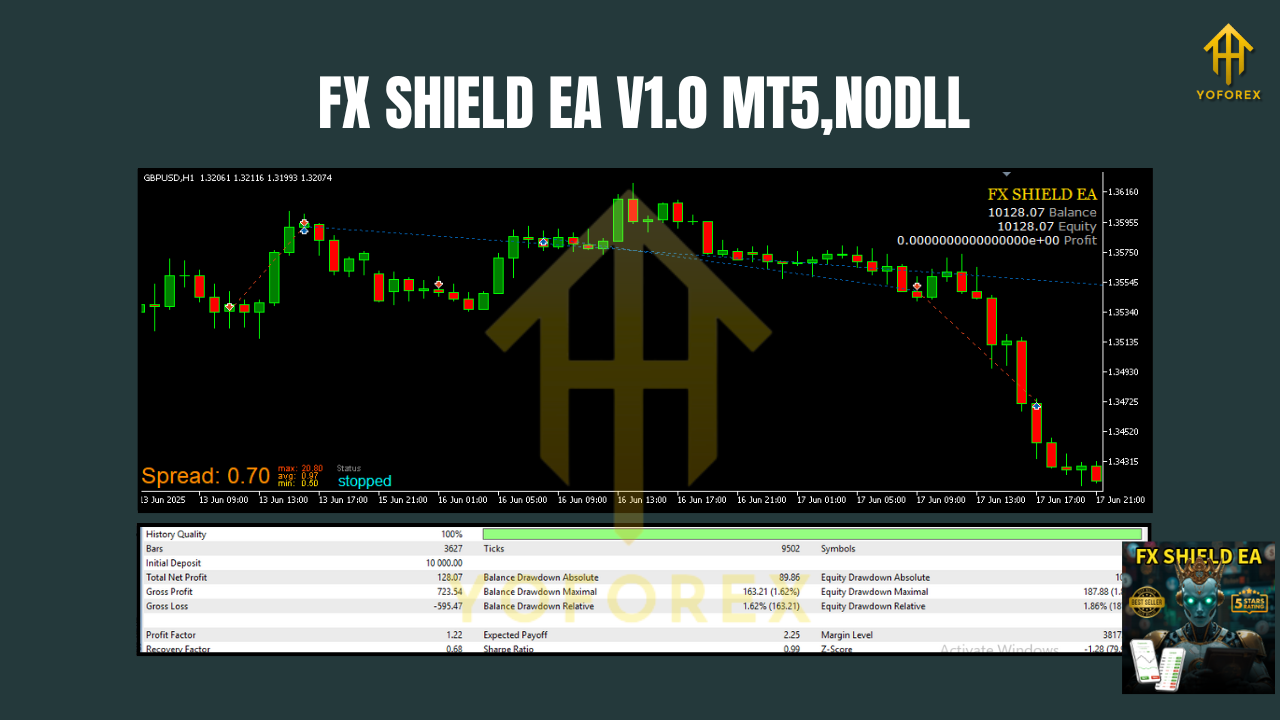
Recommended timeframes & sensible settings
- Timeframe: Start on M30 or H1 for a calmer experience; M15 is fine if you want more activity.
- Risk per trade: Many users begin with 0.5%–1% risk; aggressive users may push to 2%, but do so only after forward testing.
- Stops & trails: Use a logical stop (recent swing or volatility-based). Trailing stops can lock profits but avoid trailing too tight on H1 or you’ll get shaken out.
- Filters: If your broker has variable spreads, add a minimum candle body or volatility filter to avoid micro-flips.
- Session control: Consider disabling entries in the last hour of Friday or during major news bursts if you dislike slippage.
Installation & quick-start guide (MT5)
- Add files to MT5: Place the EA file into
MQL5/Experts/and restart MetaTrader 5. - Enable algo trading: In MT5, allow algo trading globally and for the EA.
- Attach to chart: Open your chosen pair (e.g., EURUSD H1), drag the EA onto the chart.
- Set risk & filters: Choose lot sizing (fixed or %), confirm stop/TP behavior, and enable any session filters you want.
- Run on a VPS: For continuity and lower latency, run it on a reliable VPS.
- Forward test first: Use a demo (or a small live risk) for a couple of weeks to make sure your settings and broker conditions play nicely.
A realistic edge—without the hype
EMA crossovers won’t catch every move. You’ll miss early spikes, and you may see false starts in chop. That’s trading. The “edge” here isn’t magic—it's a disciplined playbook that keeps you in line with emerging trends while the risk module shields your account when conditions aren’t right. Over time, the structure matters more than the occasional flashy win.
Pros you’ll notice
- Clear logic and clean chart behavior
- Solid compatibility with major brokers
- Predictable risk profile (no martingale surprises)
- Customizable enough to grow with you
Trade-offs to accept
- Fewer signals on higher timeframes
- Whipsaws in sideways markets (filters help)
- Requires patience—no scalper-style fireworks
Tips from power users
- One chart, one instance: Keep it simple—don’t stack multiple EAs on the same symbol/timeframe.
- Broker choice matters: Lower spread + fast execution improves fill quality around crossovers.
- Metrics, not vibes: Track win rate, average R, max drawdown, and profit factor over at least 50–100 trades before scaling.
- Change slowly: Tweak one variable at a time (e.g., trail step or EMA lengths), then forward test the impact.
Who is FX Shield EA for?
- Beginners who want a sensible, rule-based way to step into automation without risky gimmicks.
- Intermediate/advanced traders who value transparency and want to tune filters, sessions, or exit logic to match their risk appetite and market view.
- Portfolio EA users looking to add a trend-following component that doesn’t overlap with mean-reversion or grid strategies.
Final word (and a friendly reminder)
FX Shield EA V1.0 MT5 is about structure and survivability: catching directional push when it matters, protecting downside when it doesn’t. Use it where it’s strongest (trending majors, M15–H1), keep your risk steady, and let time in the market—plus solid execution—do the compounding. Past results don’t guarantee future returns; forward test, review your stats, and trade responsibly.






Comments
Leave a Comment