
MarketReact EA V3.5 MT4 – Dual-Mode Power for Serious Traders (M15)
If you’ve ever wished your EA could switch hats—scalp ranges and ride clean trends—MarketReact EA V3.5 MT4 was built for you. It’s a professional-grade trading system that bundles two distinct trading modes into one powerful package: an aggressive grid mode for range markets and a disciplined trend mode for single, well-managed positions. At its core sits a high-probability BBMA (Bollinger Band + Moving Average) entry engine, so signals aren’t random blips; they’re rooted in proven technical structure.
Below, you’ll find a full rundown of how MarketReact EA works on MT4, why the M15 timeframe hits the sweet spot, and how to configure it for AUDNZD, AUDCAD, and EURUSD. Let’s dig in.
What Makes MarketReact EA Different?
Most robots choose a side—either they’re range tools with grids or pure trend followers. MarketReact EA does both, intelligently. You get two modes you can toggle per symbol:
- Grid/Ranging Mode – Targets recurring mean reversion behavior inside ranges using BBMA behavior (price deviation toward outer bands, return to midline).
- Trend/Single-Position Mode – Follows developing trends after BBMA structure confirms momentum, keeping exposure tight and risk controlled.
By combining these, you’re not locked into a single market condition. If the pair is drifting sideways, the grid collects incremental profits; if momentum builds, the trend logic steps in and rides the wave with a single, protected position.
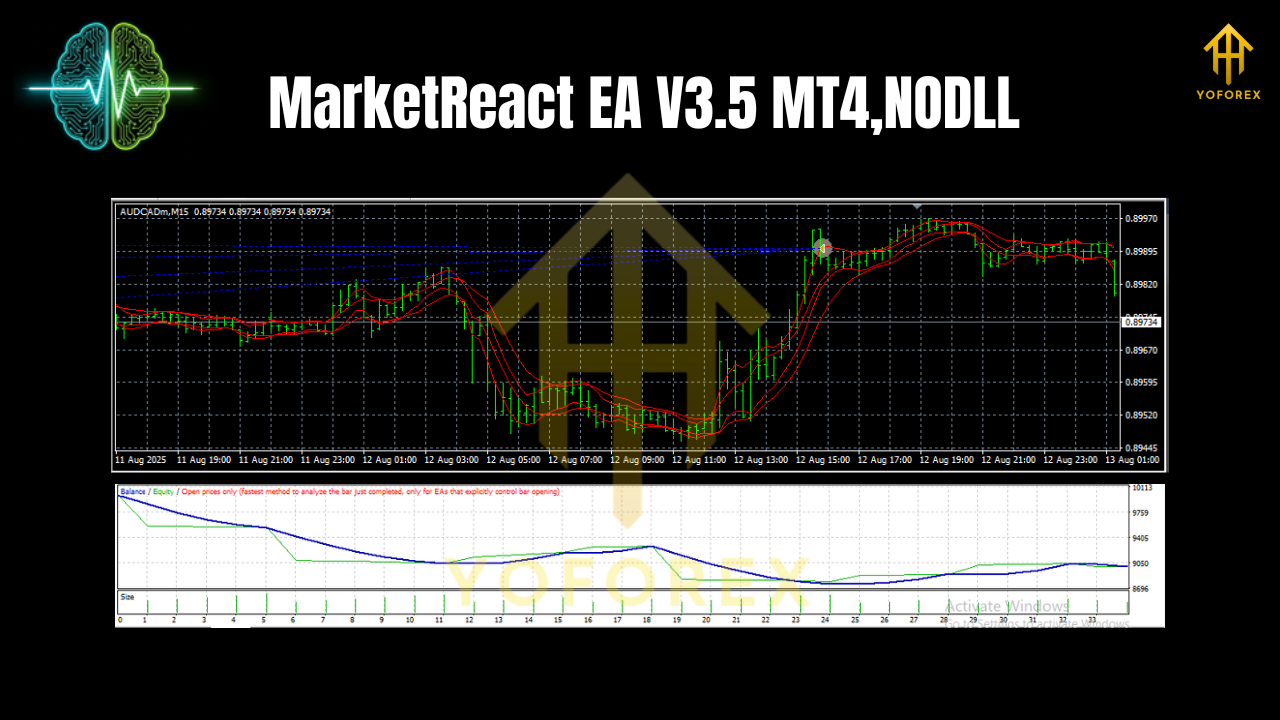
BBMA Entry Engine
BBMA fuses Bollinger Bands (volatility envelopes) with Moving Averages (directional bias). MarketReact EA V3.5 looks for:
- Stretch: Price interacting with outer Bollinger Bands (potential exhaustion or continuation).
- Re-center: Mean reversion toward the middle band (20-period basis by default).
- Bias: Moving average slope and alignment to filter out low-probability fades and late trends.
This combo helps reduce “blind entries.” The EA doesn’t just jump because a candle looks spicy—it waits for a BBMA-confirmed context.
Who Is It For?
- Active intraday traders who want a hands-off executor on M15.
- Hybrid strategy fans who appreciate having both grid and trend logic without juggling multiple EAs.
- Risk-first traders who prefer institutional-style safety features (equity guardrails, max spread control, time filters, etc.).
Supported Pairs & Timeframe
- Pairs: AUDNZD, AUDCAD, EURUSD
- Timeframe: M15 (primary and recommended)
These pairs were chosen for their intraday structure and liquidity profile, especially on M15 where BBMA setups are frequent yet not too noisy.
Key Features at a Glance
- Two Trading Modes in One EA – Switch between Grid/Ranging and Trend/Single-Position per symbol.
- BBMA-Driven Entries – Bollinger + MA alignment for smarter signal quality.
- Institutional-Style Safety – Max daily loss cap, per-trade risk limit, and global equity protector.
- Spread & Slippage Filters – Avoids poor-quality fills during volatile spikes or illiquid sessions.
- Time & Session Control – Disable trading around scheduled news or outside preferred hours.
- Dynamic Lot Sizing – Choose fixed lots or percent-risk mode (position size adapts to SL distance).
- Per-Mode Exit Logic – Trailing stop or band-to-midline logic for grids; MA/SAR-style trail and structure breaks for trends.
- Partial Close & Break-Even – Lock in gains as price moves in your favor.
- News Pause Window – Optional buffer before/after high-impact events.
- Multi-Pair Ready – Run it on separate charts for AUDNZD, AUDCAD, EURUSD simultaneously.
How the Two Modes Work
1) Grid/Ranging Mode
Best for sideways markets. The EA scales into positions around band extremes, aiming for a snap-back toward the mean. You control:
- Grid step (points)
- Max grid layers
- Take-profit per layer
- Optional equity-based emergency close
Tip: Keep grid layers conservative and always define a hard equity stop. Grids can be profitable but must be managed like a pro.
2) Trend/Single-Position Mode
Best for clear momentum. The EA waits for BBMA confirmation (MA slope + band behavior) and enters with a single position, then manages exits via trailing logic, structure breaks, or a clean TP.
Tip: On EURUSD M15, momentum phases can run decently; a trailing stop that tightens after the first partial take-profit often works well.
Recommended Baseline Settings (M15)
These are starting points—forward-test on demo first and fine-tune to your broker conditions.
General
- Account type: ECN/RAW spread preferred
- Min deposit: Start from $300–$500 if using small fixed lot; more if using grids
- Leverage: 1:200 or higher (but keep risk control strict)
- VPS: Yes (low latency helps during sessions and around news)
Risk
- Risk per trade (trend mode): 0.5%–1.0%
- Max daily loss: 3%–5%
- Global equity protector: Enabled
Filters
- Max spread: 15–25 points (per broker’s quoting)
- Slippage: 2–5 points
- Trade sessions: London + NY overlap favored; avoid last hour of Friday
Grid Mode (for ranges)
- Grid step: 150–250 points (pair-dependent)
- Max layers: 3–5 (keep it modest)
- TP per layer: 80–120 points
- Equity emergency close: Enabled
Trend Mode (for momentum)
- Initial SL: Behind the MA/structure (ATR-based optional)
- Partial close: 50% at +1R (optional)
- Trailing: Start after +1R; tighten after +2R
Installation & Setup (MT4)
- Install MT4 from your broker and log in.
- Copy the EA: Place
MarketReact EA V3.5.ex4into MQL4/Experts. - Restart MT4 so it appears in the Navigator.
- Open Charts for AUDNZD, AUDCAD, EURUSD and set each to M15.
- Drag the EA onto each chart.
- Enable AutoTrading and allow DLL/Algo trading if prompted.
- Load Presets (if provided) or set your parameters manually.
- Start on Demo for at least 1–2 weeks to validate fills and risk.
Practical Tips for Better Results
- One mode per market condition. If a pair is choppy, toggle Grid; if it’s trending, toggle Trend. Simple.
- Respect your equity guardrails. A max daily loss and global equity protector are non-negotiable.
- Review news. Even with filters, it’s wise to pause trading 15–30 minutes before/after major releases.
- Broker quality matters. Tight spreads + good execution = cleaner entries and fewer “why did I get slipped?” moments.
- Keep it boring. Consistent small risks beat heroic bets. Growth comes from survival.
Why M15?
M15 offers a balanced signal density. On lower TFs (like M1/M5), spreads and noise can chew you up; on H1+, you might not get enough signals. M15 sits in that cozy middle where BBMA edges and momentum rotations are visible without being hyper-sensitive.
Backtesting & Forward-Testing Notes
- Use real-tick data if possible for a more honest spread/slippage simulation.
- Test per pair—AUDNZD and AUDCAD behave differently than EURUSD around sessions.
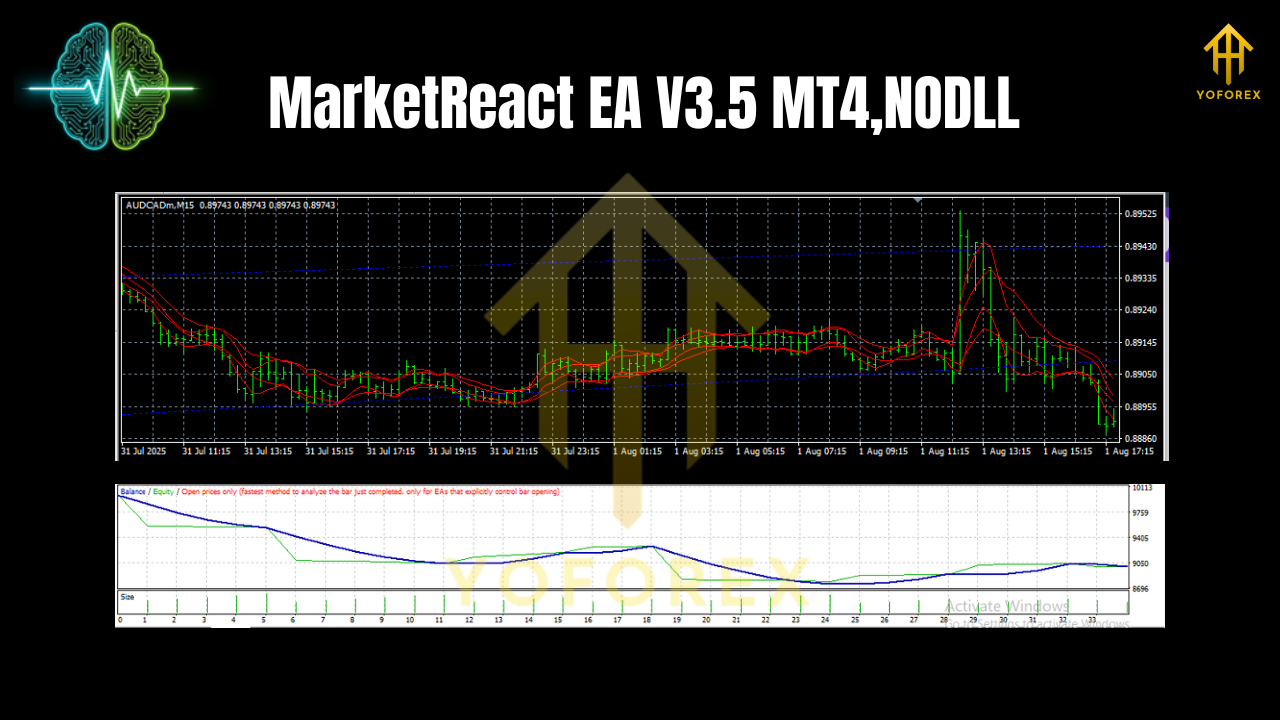
- Validate both modes: run separate tests for Grid and Trend so you understand their distinct equity curves.
- Then forward-test on demo with your actual broker to confirm behavior matches your backtests.
Final Word
MarketReact EA V3.5 MT4 isn’t trying to be a magic wand—it’s a well-engineered toolkit. With BBMA-based entries and two fully usable modes, it lets you adapt to the chart in front of you rather than forcing one idea onto every market. Keep risk tight, choose the mode that fits the condition, and let the system do its job.
Join our Telegram for the latest updates and support


Comments
Leave a Comment