
NanoScalp AI EA V1.0 MT5: The Fast, Disciplined Scalper for GBPUSD, EURUSD & XAUUSD
If you’ve been hunting for a scalping robot that can adapt to multiple market speeds without going off the rails, meet NanoScalp AI EA V1.0 for MetaTrader 5. It’s built for traders who want quick, rule-based entries and exits with AI-guided filters, minimal noise, and strong risk discipline. Whether you prefer H1/H4 swing-scalps or M1/M5 fast scalps, NanoScalp aims to keep you on the right side of momentum while avoiding obvious traps like chasing spread spikes or trading smack into high-impact news.
Supported Timeframes: H1, H4, M30, M15, M5, M1
Supported Pairs: GBPUSD, EURUSD, XAUUSD
This guide walks you through how the EA works, what makes it different, recommended settings, and a clean installation process. No fluff—just the practical stuff you need to go from download to first trades, plus smart habits to keep the account safe.
What Is NanoScalp AI EA?
NanoScalp AI EA is an MT5 expert advisor designed to scalp volatility pockets and micro-trends with a combination of AI-style filters, liquidity sensitivity, and session-aware entries. The core idea: trade when the tape is clean and momentum is aligned; stand aside when spreads balloon, liquidity thins, or the direction is muddy. The engine blends short-term trend confirmation, volatility gating, and dynamic stop/TP logic to adapt across multiple speeds—so you can use it for both lower TF scalps (M1–M15) and higher TF intraday plays (M30–H4).
Key design principles:
- No martingale, no reckless grid. Position sizing is controlled and linear.
- Spread & slippage awareness. Avoids entering when costs are likely to eat edge.
- News-timed caution. Optional pause windows around high-impact events.
- Broker-agnostic logic. Best with ECN/RAW spreads.
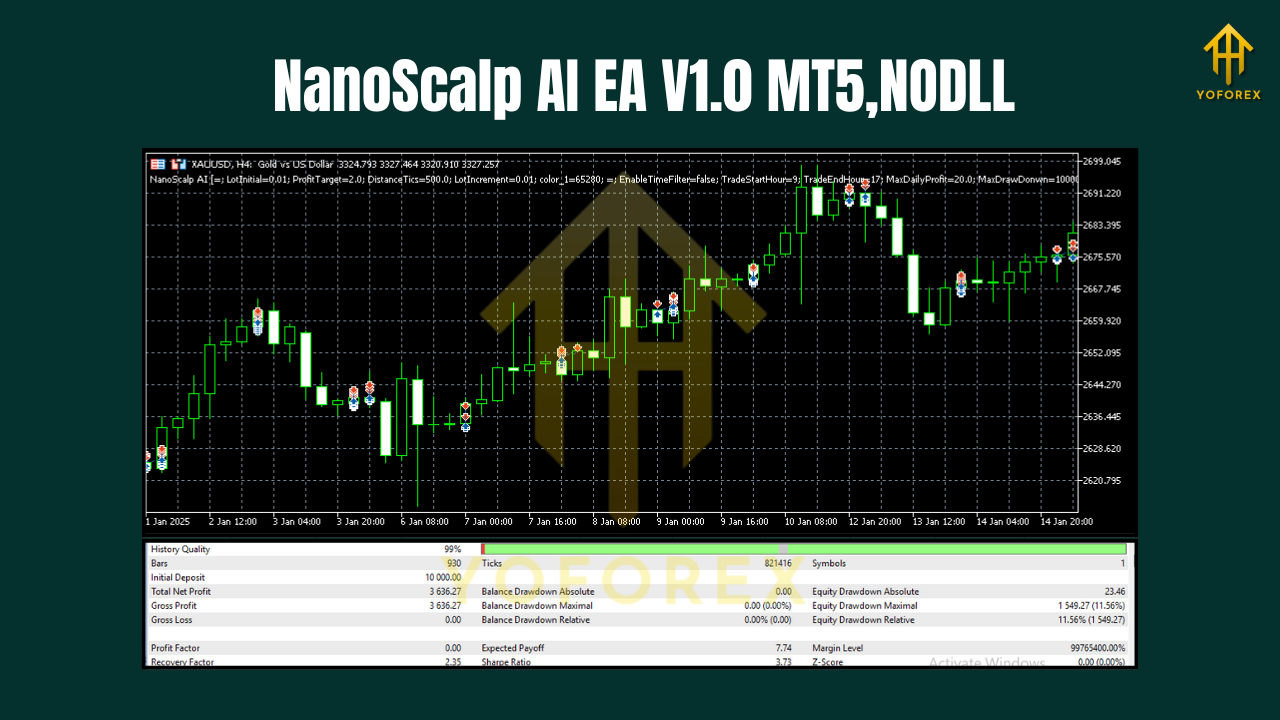
Supported Pairs & Timeframes
- Pairs: GBPUSD, EURUSD, XAUUSD
- Timeframes: H1, H4, M30, M15, M5, M1
How to think about each combo:
- GBPUSD (M5–M15 / H1): Great for London/NY overlap; good structure and momentum follow-through.
- EURUSD (M1–M5 / M15): Tight spreads make it a favorite for very short scalps; be smart around ECB/Fed events.
- XAUUSD (M15–H1): Bigger swings; widen stops appropriately and reduce risk per trade to reflect volatility.
How the Strategy Works (in plain English)
- Micro-Trend + Pullback Logic
The EA validates short-term trend alignment via moving-window filters and fast oscillators. It then waits for a shallow pullback to avoid buying tops or selling lows. - Volatility Gate & Spread Check
A volatility band confirms there’s “enough juice” to justify a scalp. If spread or slippage exceed your thresholds, the EA skips the entry. - Session & Time Filters
You can allow entries only during London and NY sessions—or keep it 24/5. Many users prefer avoiding late-Friday or illiquid Asia hours for GBPUSD/EURUSD scalps. - Dynamic Exits
The stop loss and take profit are adaptive, with an optional trailing mechanism that tightens when momentum accelerates and relaxes when price chops. - Risk Management First
Fixed fractional risk per position; no doubling down. The EA is built to survive before it tries to thrive.
Key Features at a Glance
- AI-guided filters to reduce low-quality signals in choppy markets
- Multi-timeframe support (H4 to M1) for swing-scalps and ultra-fast entries
- No martingale / no dangerous grids, strictly linear position sizing
- Spread & slippage guardrails to preserve edge on tight timeframes
- Session filter (enable London/NY focus; avoid low-liquidity windows)
- Dynamic SL/TP with optional trailing for momentum bursts
- News buffer (optional) to pause near high-impact events
- Manual kill-switch: pause/resume trading with a single toggle
- Clean, labeled inputs for quick setup and simple optimization
- Works best on ECN/RAW pricing with fast execution and low latency
Recommended Settings & Risk Management
Risk per trade: Start low (0.25%–0.5%) when you’re new. Once you’ve run weeks of demo/live data and are comfortable with behavior, you might scale to 0.75%–1%—but only if drawdowns stay within your rules.
By timeframe:
- M1/M5: Tight SL (e.g., 6–15 pips FX or proportional points on XAUUSD), modest TP (1–1.8R), stricter spread filter.
- M15/M30: Medium SL, roomier TP (1.5–2.2R), slightly relaxed spread filter.
- H1/H4: Wider SL to avoid noise; aim for quality over quantity. Consider disabling trading during dead sessions.
By pair:
- EURUSD: Lean into M1–M5 with very strict cost controls.
- GBPUSD: M5–M15 sweet spot; London session preferred.
- XAUUSD: Keep position size smaller versus FX; consider M15–H1 with conservative risk.
News mode: If your broker widens spreads during events, use the news buffer to pause trading X minutes before and after.
Installation & Setup (MT5)
- Copy Files
Place the EA file into:MQL5/Experts/in your MT5 data folder. - Restart MT5
Or right-click Experts in the Navigator and click Refresh. - Attach to Chart
Open GBPUSD/EURUSD/XAUUSD, select your preferred timeframe (H1, H4, M30, M15, M5, M1), and drag NanoScalp AI EA onto the chart. - Allow Algo Trading
Enable in both MT5’s toolbar and the EA’s Common tab. - Inputs
- Risk_Percent (start tiny)
- Max_Spread (set pair-specific thresholds)
- Session_Filter (enable/disable; define hours)
- News_Buffer_Minutes (optional)
- SL/TP Mode (static or dynamic; trailing on/off)
6. Run on VPS
For 24/5 stability, use a low-latency VPS close to your broker.
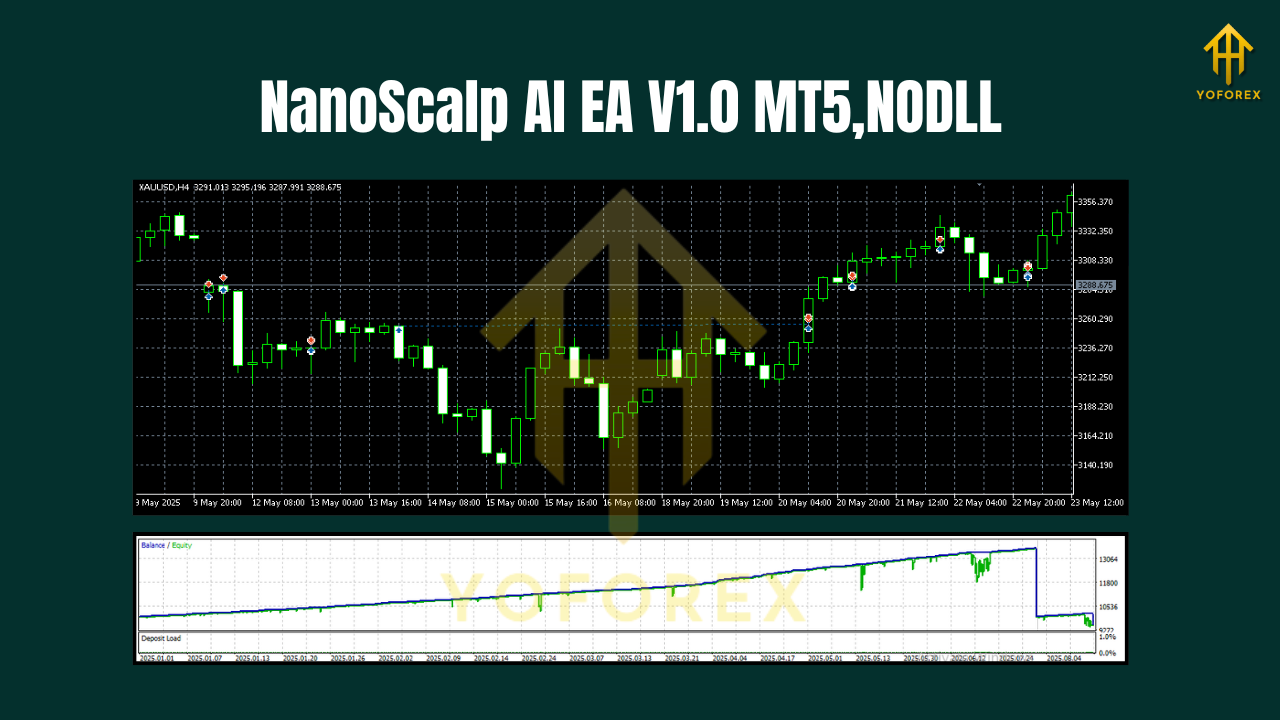
Backtesting & Optimization Tips
- Use high-quality tick data and ensure variable spread is enabled to reflect reality.
- Test by session (e.g., London-only) to see when the EA shines.
- Parameter sweeps: Try small grids for Max_Spread, Risk_Percent, and SL/TP multipliers—avoid overfitting by validating on a separate date range.
- Walk-forward check: Split history into multiple windows; confirm consistent behavior.
- Per-pair tuning: The best Max_Spread and SL/TP settings differ on EURUSD vs. XAUUSD.
Best Practices for Live Trading
- Broker selection: ECN/RAW account, commissions clear, tight spreads.
- News discipline: Respect CPI, NFP, FOMC, ECB, BoE, and Fed Chair speeches—gold especially can whip.
- Capital allocation: Don’t run high risk on multiple pairs at once; consider a risk cap across charts.
- Daily stop: Use a max daily drawdown (e.g., 2%–3%) to avoid “revenge scalping.”
- Review weekly: Export trades, tag by session/pair, and prune weak combinations.
Final Thoughts
NanoScalp AI EA V1.0 MT5 focuses on clean entries, disciplined exits, and capital protection—the essentials for scalping longevity. It won’t chase every candle; it tries to participate when liquidity and structure are in your favor. Start small, collect data, and let the process mature. With smart risk rules, session awareness, and pair-specific tuning, NanoScalp can become a reliable intraday companion on GBPUSD, EURUSD, and XAUUSD across H1 to M1.






Comments
Leave a Comment