
RSI Strategy EA V1.31 MT5 – Automate Smarter Entries With Pure RSI Logic
If you’ve ever stared at an RSI line dancing around 30 and 70 wondering “should I fade this or ride the breakout?”, this Expert Advisor is for you. RSI Strategy EA V1.31 MT5 turns that dilemma into rules you can trust—executing entries and exits automatically based on overbought/oversold conditions. It also supports reverse trading (fading extreme readings) and classic momentum follow-through, so you can adapt to choppy ranges or trending markets without rewriting your playbook. Lightweight on resources, thoroughly back-tested, and friendly to tweak—this is a clean RSI engine built for real-world trading.
What Is RSI Strategy EA V1.31 MT5?
RSI Strategy EA V1.31 is an automated trading system for MetaTrader 5 that uses the Relative Strength Index (RSI) to detect high-probability turning points and momentum continuations. The core idea is simple but powerful:
- When price becomes overbought/oversold, either fade the move (reverse trading) or trade the continuation if momentum sustains.
- Let the EA enforce the rules—entries, exits, risk, and filter conditions—so you don’t second-guess.
Highlights at a glance
- Works best on M15–H1 timeframes
- Ideal for major FX pairs and popular metals (e.g., XAUUSD)
- Two modes: Reverse (fade extremes) or Momentum (ride breakouts)
- Precise entries, flexible exits, minimal CPU load
- Built for set-and-forget execution with trader-friendly controls
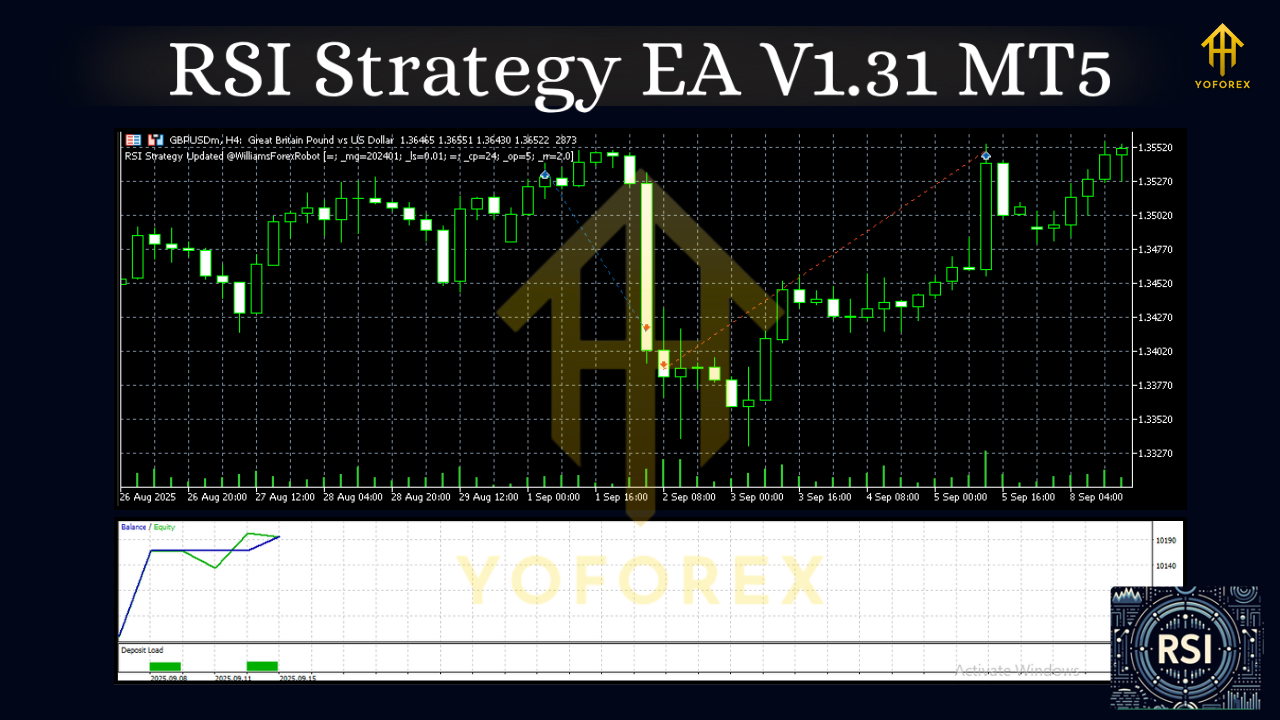
How It Works (Plain English)
- RSI Scan: The EA continuously reads RSI values (default period 14).
- Signal Logic:
- Reverse Mode: If RSI > 70 (overbought), look for sell signals; if RSI < 30 (oversold), look for buys. Optional deeper filters (e.g., waiting for RSI to re-cross back inside 70/30) can reduce whipsaws.
- Momentum Mode: If RSI pushes through 70 and holds, ride the upside; if it slices below 30 and holds, ride the downside.
3. Risk & Exits: The EA places stop-loss/take-profit, can trail stops, move to break-even, or partially close positions at predefined milestones.
4. Filters: Spread, slippage, time-of-day, and session filters help you avoid poor-quality fills and dead liquidity hours.
Key Features You’ll Actually Use
- Dual Strategy Engine: Flip between Reverse (mean-reversion) and Momentum (trend-following)—or run both on different charts.
- Adaptive RSI Zones: Default 30/70, with optional 20/80 for strong trends; you choose the aggressiveness.
- Multi-Timeframe Confirmation: (Optional) Confirm M15 entries with H1 momentum to avoid trading countertrend noise.
- Clean Risk Controls: Fixed lots or % balance risk; ATR-based stops; dynamic or step trailing; break-even; partial take-profit.
- Execution Filters: Max spread, max slippage, trading hours, Friday cut-off—tighten quality without babysitting the screen.
- Low Footprint: Lightweight processing so you can run multiple charts on a VPS without lag.
- Robust Logging: Clear alerts and journal entries make it easy to audit every trade decision.
- Safety Guardrails: Daily loss cap, max concurrent positions, and equity-protection options help prevent “one bad day” scenarios.
- Set & Save Profiles: Store your favorite templates—e.g., “Reverse-M15-Majors” and “Momentum-H1-Gold”.
Recommended Settings (A Solid Starting Point)
- Timeframe: M15 (active), M30/H1 (balanced)
- Pairs: EURUSD, GBPUSD, USDJPY, AUDUSD; metals like XAUUSD if spread/latency are good
- RSI Period: 14 (start here; test 7–21 depending on your market)
- Zones: 30/70 for normal; 20/80 for stronger trends or to reduce false signals
- Stops: ATR(14) × 1.5–2.0 for SL; TP as 1.2–2.0 R multiple or use trailing logic
- Filters: Max spread 20 points (≈2 pips on 5-digit), max slippage 3–5; avoid low-liquidity rollover
- Risk: 0.5–1.5% per trade to start; increase only after stable forward results
- VPS: Strongly recommended for 24/5 uptime and lower latency
Tip: If markets are rangy, Reverse Mode shines. If markets trend, switch to Momentum Mode or widen RSI zones to avoid premature fades.
Backtesting & Proof (What To Look For)
Rather than promising a magic equity curve, here’s exactly how to evaluate the EA on your own data:
- Sample Period: Test at least 2–4 years across different regimes (range → trend → range).
- Pairs & TFs: Start with EURUSD (M15/M30) and XAUUSD (H1) to compare behavior on FX vs metals.
- Analytics: Focus on max drawdown, profit factor, R expectancy, and stagnation length.
- Robustness Checks:
- Shift RSI zones (30/70 vs 25/75 vs 20/80).
- Adjust ATR SL multiplier (1.5 vs 1.8 vs 2.2).
- Turn MTF confirmation on/off.
5. Forward Test: Run the EA on a demo for 2–4 weeks. Compare live fills vs tester fills; confirm slippage behavior and spread filters are working.
A healthy RSI system typically shows clusters of small scratches with occasional strong runs when the market aligns with your chosen mode. Consistency across multiple pairs and minor parameter nudges is a better sign of robustness than one perfect curve.
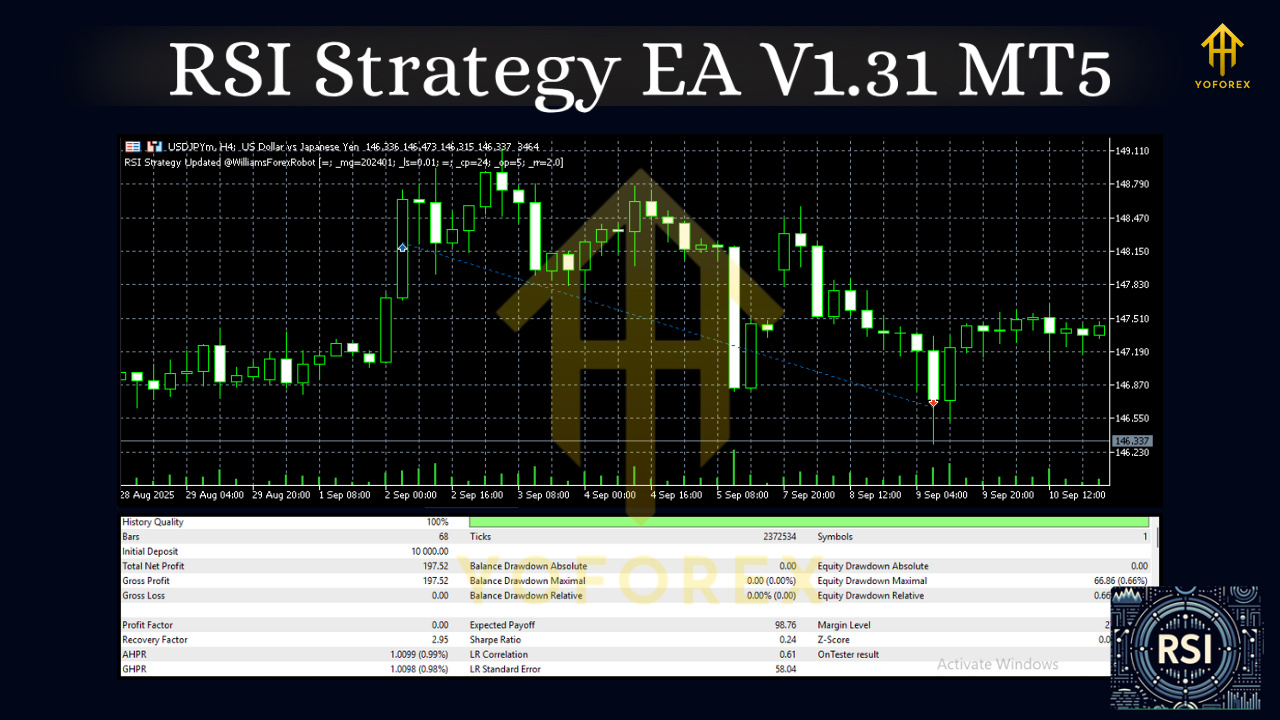
Installation & Setup (Quick Steps)
- Copy Files: Place the EA file into MQL5 → Experts inside your MT5 data folder.
- Restart MT5: Or right-click Navigator → Refresh to see the EA.
- Attach to Chart: Open your chosen symbol & timeframe (e.g., EURUSD M30), then drag the EA from Navigator onto the chart.
- Enable Algo Trading: Allow live trading and DLLs if required.
- Configure Inputs:
- Strategy Mode: Reverse or Momentum
- RSI Period & Zones
- Risk Model: Fixed lot or % risk
- Stops/TP: ATR stop, trailing, break-even, partials
- Filters: Spread, slippage, session hours
6. Save Template: Save your settings so you can reuse them across charts in seconds.
Risk Management (Non-Negotiable)
- Cap risk per trade (0.5–1.5% suggested).
- Use daily loss limits and max positions to prevent over-exposure.
- Prefer low-spread, ECN-style brokers and VPS hosting.
- Never jump from backtest to live—do a demo forward test first.
- Markets change. Re-evaluate settings monthly; widen RSI zones when volatility compresses and tighten when volatility expands.
Who Should Use RSI Strategy EA?
- Discretionary traders who like RSI but want cleaner rule-based execution.
- System traders building a diversified portfolio (add mean-reversion and momentum variants from one EA).
- Busy traders who prefer low-maintenance, resource-light automation.
If you enjoy transparent logic, fast iteration, and data-driven improvements, you’ll feel at home.
Final Take
RSI Strategy EA V1.31 MT5 turns a classic indicator into a disciplined, configurable trading engine. Whether you’re fading extremes or harnessing momentum, it gives you the tools to define edge, manage risk, and keep emotions out of the way. Start with conservative risk, forward-test, and tune. Once you lock in a profile that fits your market and schedule, it’s a set-it-and-forget-it kind of tool.






Comments
Leave a Comment