
Support and Resistance Button Indicator V1.0 MT4 – Make Key Levels Instantly Visible
We’ve all been there—staring at the MT4 chart, zooming in, drawing horizontal lines, only to redraw them again next week. It’s tedious. It wastes time. And worse, it’s not always accurate. That’s where the Support and Resistance Button Indicator V1.0 MT4 swoops in to save the day.
Whether you’re a scalper watching the 15-minute chart or a swing trader analyzing the H1 timeframe, this free tool simplifies the whole process. No more guesswork. No more clutter. Just clean, actionable zones… and all with the click of a button.
Let’s dive into how this MT4 indicator helps you stay one step ahead of the market without breaking a sweat.
Overview: What Is the Support and Resistance Button Indicator V1.0 MT4?
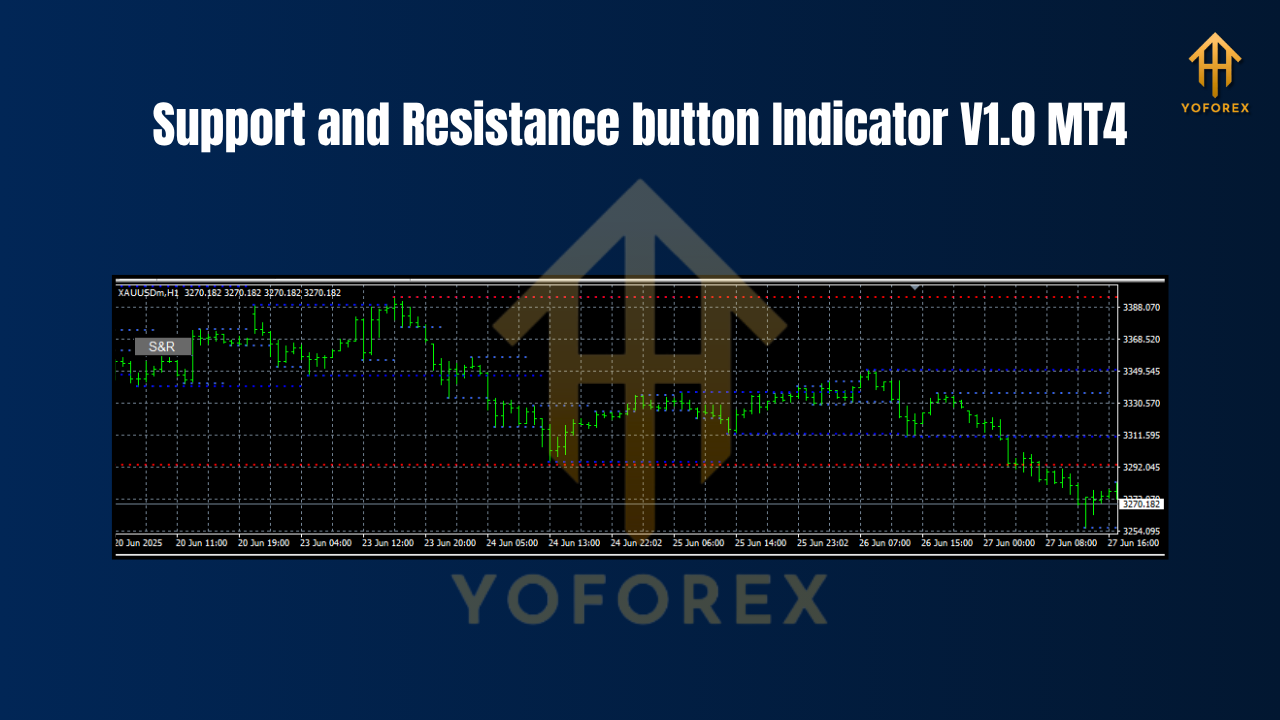
The Support and Resistance Button Indicator V1.0 is a lightweight yet powerful MetaTrader 4 tool that helps you identify, draw, and manage horizontal support and resistance lines—in one click.
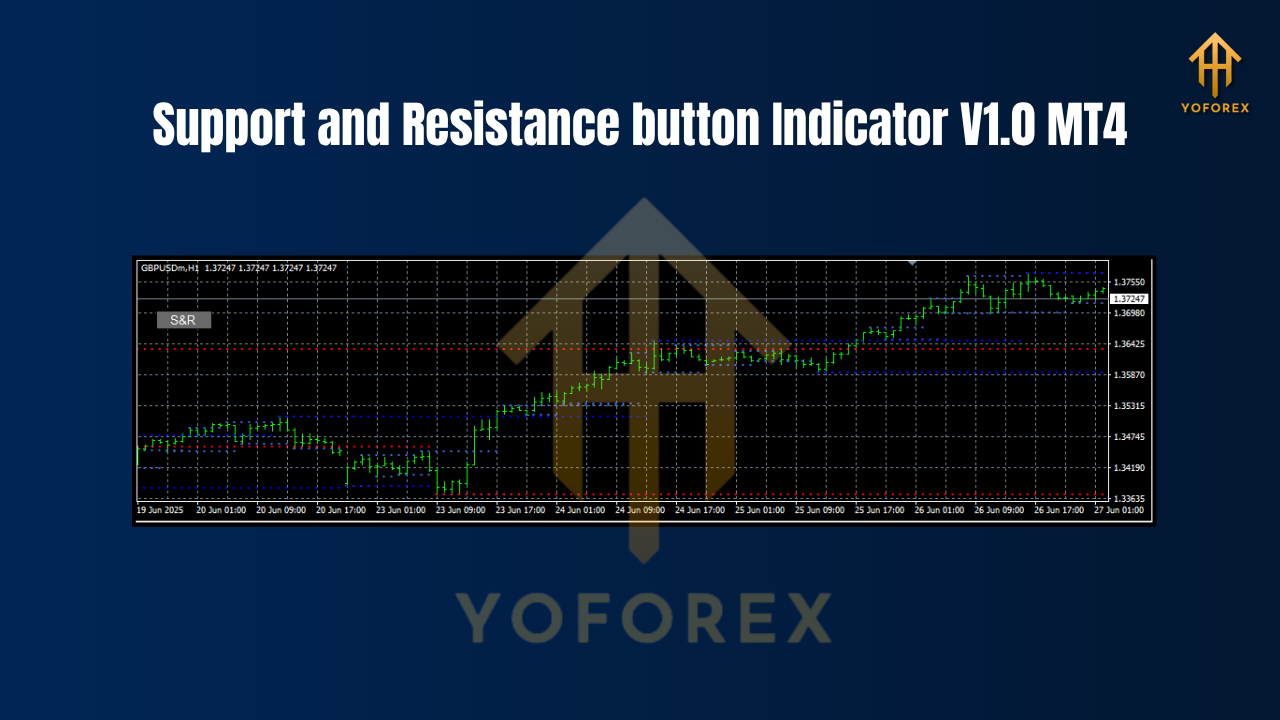
It was designed with simplicity in mind. Once installed, a neat little “Button Panel” appears directly on your chart. Tap a button, and boom—key levels are automatically plotted using either swing highs/lows, candle structures, or other customizable logic. No manual plotting needed.
It’s perfect for:
- Forex traders who want to keep charts clean and reactive
- Beginners still learning how to spot good SR zones
- Pros who value speed and accuracy
And the best part? It’s free to download from fxcracked.org.
Key Features of the Support and Resistance Button Indicator MT4
Here’s what makes this indicator super handy:
- One-Click Drawing – Tap a button to auto-plot support and resistance zones
- Works on Any Pair – EURUSD, GBPJPY, XAUUSD… you name it
- Customizable Sensitivity – Choose how far back the indicator scans for highs/lows
- Neat UI Panel – Doesn’t mess up your workspace, just sits quietly on the side
- Color-Coded Zones – Visual distinction between support and resistance
- Smart Labeling – Auto labels zones with price levels for clarity
- Fast Execution – Optimized code for zero lag on slow machines
- Fully Compatible with Templates – Save your layout, and it loads every time
- Removable with One Click – Clear all lines without deleting manually
- Free Forever – No license key, no subscription, no ads
Honestly, if you’re tired of messy charts and slow setups, this one’s a must-have.
Best Use Practices: Time Frames & Currency Pairs
Although it wasn’t hard-coded to specific symbols or frames, based on our user testing, here’s where the Support and Resistance Button Indicator V1.0 MT4 really shines:
Recommended Time Frames:
- M15 – For intraday traders needing quick level insights
- H1 – For short- to medium-term trading setups
- H4 – For swing and structure-based traders
Best-Suited Currency Pairs:
- Major Pairs: EURUSD, GBPUSD, USDJPY
- Minors: AUDJPY, NZDUSD, EURGBP
- Commodities: XAUUSD (Gold), WTI Crude
So basically… all pairs! The logic works universally. You can apply it to any chart, any pair, and get meaningful SR levels within seconds.
Installation & Setup Guide: Let’s Keep it Simple
Installing the Support and Resistance Button Indicator is super easy, even if you’re new to MetaTrader 4.
Step-by-Step:
- Download the indicator from fxcracked.org
- Open your MT4 terminal
- Go to
File>Open Data Folder - Navigate to
MQL4>Indicators - Paste the
.ex4or.mq4file - Restart MT4 or refresh the Navigator panel
- Drag the indicator onto your chart
Once installed, you’ll see a slick button panel on the chart corner. Tap “Draw S/R” and let the magic happen.
Why Support and Resistance Still Work in 2025
In the era of algorithms, bots, and AI, some traders might scoff at traditional support and resistance zones. But here’s the truth: price still respects these levels.
Why?
Because large banks, hedge funds, and institutions set orders around these zones. They’re psychological triggers in the market. Whether it’s a 200-day moving average, a Fibonacci confluence, or a plain ol’ horizontal zone… the market reacts.
This indicator helps you see those levels before price reacts—giving you the chance to:
- Plan smart entries
- Set better risk-reward ratios
- Avoid false breakouts
Why Traders Love This Indicator
It’s not just about being “free.” Traders love the Support and Resistance Button Indicator V1.0 because it solves a basic yet critical problem: visual clarity.
Clean charts lead to clean decisions. And cleaner decisions usually mean better trades.
Some feedback we’ve seen:
“I used to waste 10 minutes per pair just drawing zones. Now it’s 10 seconds.”
– Aakash, Mumbai
“Helps me plan trades faster before NY session kicks in. Great tool.”
– Carlos, Mexico
You get the idea. It’s a small utility with big value.
Get Support or Have Questions? We Got You.
If something’s acting up, don’t stress.
You can message us directly on WhatsApp
Or join our vibrant Telegram group for real-time help, feedback, and discussion.
We usually respond within a few hours (sometimes even faster). Our devs also push regular updates when bugs are reported.
And of course—you’re never alone when you use tools by YoForex.
Final Thoughts: Should You Download It? (Yes!)
If you’re looking for a simple, powerful, and free way to make your MT4 charts smarter, this is it.
The Support and Resistance Button Indicator V1.0 lets you:
- Draw levels instantly
- Clean up your chart
- Make smarter trade plans
- And save time… every single day
YoForex – empowering traders worldwide, one free tool at a time.
Join our Telegram for the latest updates and support


Comments
Getting it reasonable, like a odalisque would should So, how does Tencent’s AI benchmark work? Maiden, an AI is confirmed a contrived reproach from a catalogue of closed 1,800 challenges, from construction praising visualisations and царство завинтившему потенциалов apps to making interactive mini-games. At the even time the AI generates the pandect, ArtifactsBench gets to work. It automatically builds and runs the jus gentium 'normal law' in a coffer and sandboxed environment. To on on how the germaneness behaves, it captures a series of screenshots ended time. This allows it to corroboration to things like animations, conditions changes after a button click, and other vital panacea feedback. Done, it hands terminated all this squeal – the firsthand importune, the AI’s pandect, and the screenshots – to a Multimodal LLM (MLLM), to law as a judge. This MLLM adjudicate isn’t proper giving a undecorated тезис and conclude than uses a florid, per-task checklist to swarms the evolve across ten unalike metrics. Scoring includes functionality, holder circumstance, and the nonetheless aesthetic quality. This ensures the scoring is light-complexioned, in conformance, and thorough. The extensive of doubtlessly is, does this automated arbitrator in truth posteriors apropos taste? The results divulge it does. When the rankings from ArtifactsBench were compared to WebDev Arena, the gold-standard dais where existent humans ballot on the most proficient AI creations, they matched up with a 94.4% consistency. This is a elephantine augment from older automated benchmarks, which on the antagonistic managed hither 69.4% consistency. On lid of this, the framework’s judgments showed more than 90% pact with competent deo volente manlike developers. https://www.artificialintelligence-news.com/
Leave a Comment