
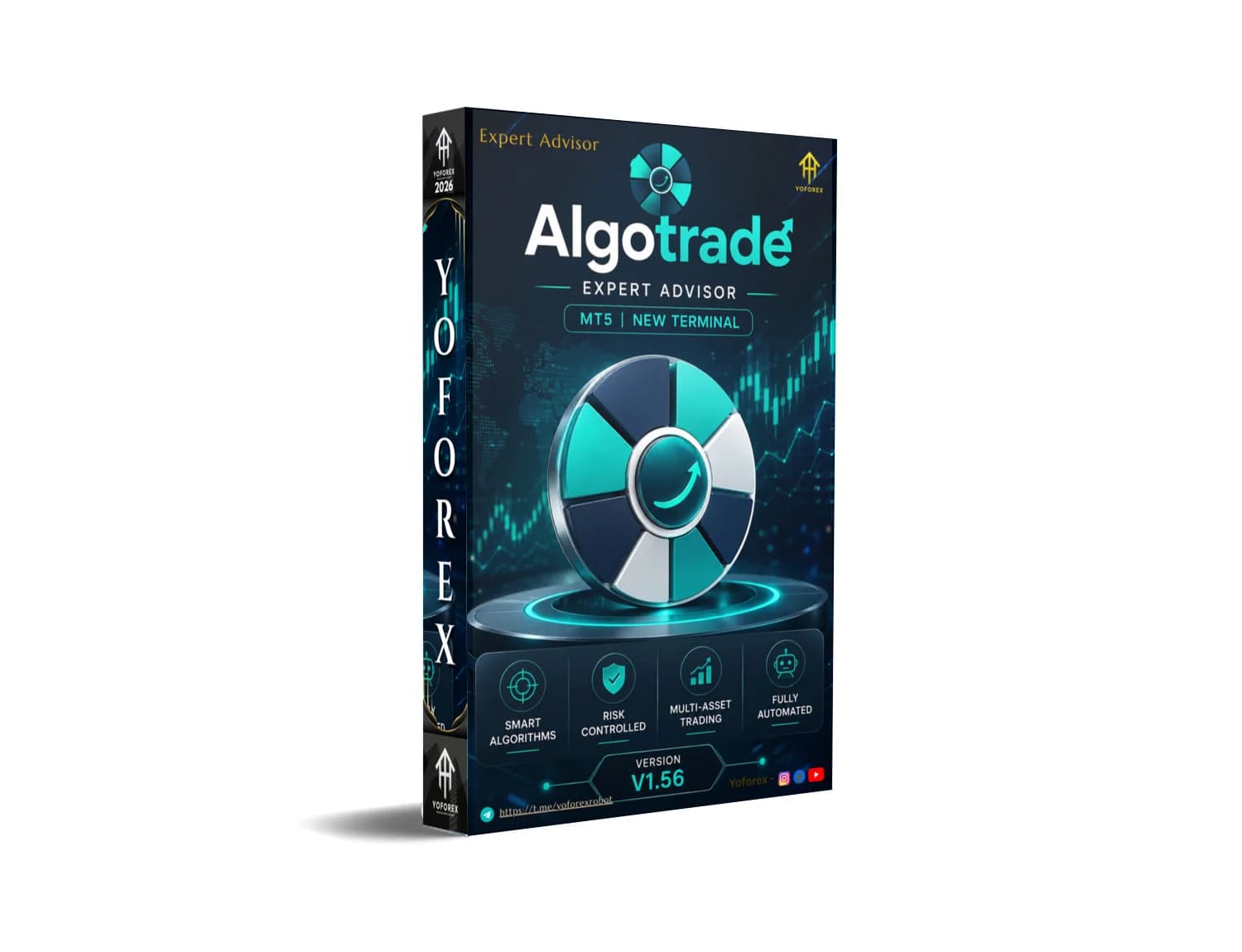
Algotrade EA v1.56 MT5 is a MetaTrader 5 Expert Advisor built around multi-symbol scanning, an on-chart wheel panel, and internal risk logic rather than grid or martingale stacking. It is educational software. Whether it suits you depends on account size, broker execution, and whether its architecture and risk controls match your trading style.
algotrade EA v1.56 MT5: definition and decision context?
Algotrade EA v1.56 MT5 is an automated trading program for MetaTrader 5 that scans, ranks, and trades symbols according to internal rules rather than opening trades on a single fixed chart. Choosing an automated system is not simply about finding a bot that can open and close trades — the introduction from yoforex frames the decision around how positions are selected, how risk is controlled, and how much control the trader keeps.
The published vendor listing on the MQL5 Market shows the product name AlgoTrade and describes an algorithmic Expert Advisor for MetaTrader 5 built around a live wheel panel, structured risk rules, and multi-symbol scanning, with a stated current version of 1.52 at 225 USD according to the MQL5 product page. The v1.56 label appears on independent redistribution pages, so treat version numbers and any "free download" copies with skepticism until you can confirm provenance. For related evaluations, see our Blogs / posts hub.
Who should consider algotrade EA v1.56 MT5?
This EA fits traders who want automation with visible controls and are prepared to test, monitor, and accept losses. It is not suited to anyone expecting a hands-off income stream. Beginners should treat it as a learning tool on demo first, and confirm that their broker offers the instrument categories the EA is designed to scan.
Practical considerations include account equity relative to per-trade risk, VPS availability for continuous operation, spread and commission conditions on the symbols you want to trade, and your willingness to intervene when the EA behaves unexpectedly. Prop-firm users should also confirm whether internal risk logic aligns with the firm's drawdown and news-trading rules; many prop programs restrict certain automation behaviours. If you are still comparing options, browse the EA MT5 category to see how Algotrade sits against other MT5 systems before committing time or capital.
Benefits and practical limitations
The most consequential design choice is that broker-side stop-loss and take-profit are not attached to new orders — risk is tracked internally instead. According to the vendor documentation on MQL5, broker SL/TP levels are not sent with new orders and the EA closes positions when its own rules are met. That approach can produce cleaner exits when your VPS, terminal, and connection are stable, but it also creates a hard dependency on those conditions.
Balanced view
- Pros: visible wheel panel and pace profiles; one position per symbol reduces stacking; forex, metals, indices, energy, and crypto coverage where the broker provides symbols; no grid or classic martingale doubling per the vendor description.
- Cons: reliance on internal exits means a VPS or platform outage can leave positions unprotected at the broker; version 1.56 is not the vendor's published build; performance is unverified by independent audit; features and behaviour depend on broker symbols and execution quality.
See our EA MT4 category for comparable MT4 automation notes.
gold reaper EA and the reader decision
When comparing Algotrade to gold-focused systems such as gold reaper EA, the deciding factors are the same set of mechanical questions rather than product hype. As the yoforex overview puts it, traders need to understand how positions are selected, how risk is controlled, how exits work, which markets can be traded, and how much control the trader retains.
Algotrade v1.56 is multi-asset by design, while gold-only EAs concentrate exposure on XAUUSD and inherit its spread widening and news volatility. That is not automatically better or worse — it is a different risk profile. If gold is your only interest, a single-instrument EA may match your workflow; if you want the option to rotate across forex majors, metals, indices, and crypto where symbols exist, a scanner-style system aligns better. Either way, run backtests on your broker's actual tick data, then forward-test on demo before deciding. Our Indicator MT4 hub covers confirming tools you can pair with either approach.
gold EA and the reader decision
The most important buying question is not the promised return; it is whether the EA's architecture fits your account and broker. The yoforex write-up states this directly: the decision is less about promised returns and more about whether the EA's architecture, risk controls, and trading style fit your account and broker.
Applied to gold-oriented setups and to Algotrade v1.56 alike, that means checking three things before you enable auto-trading. First, confirm the symbol names your broker uses (XAUUSD versus GOLD versus XAU/USD) so the EA can actually see them. Second, check swap, commission, and typical spread for each symbol during your intended session; internal virtual exits can be undermined by wide spreads. Third, sanity-check position sizing against your equity so a single adverse move cannot exceed the loss you are willing to accept. For copy-oriented workflows, our Copy trading resources cover related considerations.
Conclusion
Algotrade EA v1.56 MT5 is best understood as a structured, panel-driven MT5 automation tool with a specific opinion about risk — internal exits, one position per symbol, and no grid or martingale doubling. The published vendor version is 1.52 on MQL5 at 225 USD; the v1.56 label circulating on third-party pages should be verified before install, and any "free" copy should be scanned and treated as unofficial.
Reasonable next steps are practical, not promotional: download from a source you can trust, read the vendor documentation, run a backtest on your broker's history with realistic spread and commission, then forward-test on demo for several weeks. Only then decide whether it earns a small live allocation. If you are still comparing free tools generally, our Beginner guides walk through evaluation basics for automated systems
Support & Disclaimer
Support:
If you need help installing or configuring your EA, or face any kind of bug, feel free to reach out on:
WhatsApp: Click here
Telegram Group: Join our community
Disclaimer:
Forex and gold trading involve risk. Past performance doesn’t guarantee future results. Always test robots on demo before live trading and use proper risk management.
REFERRAL
Join the VIP Signals Telegram Channel for real-time expert trading signals and stay ahead in the forex market. Get personalized strategies by becoming a part of our Real Account Management Telegram Channel and optimize your trading experience. If you’re aiming to Pass PropFirm Challenges , join our dedicated channel for tips and proven methods. Start managing your capital effectively with expert advice from our Funded Account Management Telegram Channel. For advanced traders, our HFT EA / Passing Telegram Channel offers high-frequency trading insights and strategies to boost your performance.
Sources
- Algotrade EA V1.56 MT5 — yoforex.org
- Algotrade EA V1.56 MT5 — forexfactory.cc
- Algotrade EA V1.56 MT5 — yoforex.net
Frequently Asked Questions
Is Pi Scalper Adaptive EA the same as Algotrade EA v1.56 MT5?
No. Pi Scalper Adaptive EA and Algotrade EA v1.56 MT5 are separate products. Algotrade is a MetaTrader 5 Expert Advisor built around multi-symbol scanning, a wheel panel, and internal virtual exits, as described in the vendor listing on the MQL5 Market and the yoforex overview. Always verify each EA's own documentation, version, and broker compatibility.
Does Algotrade EA v1.56 MT5 use grid or martingale?
No. The MQL5 vendor description states Algotrade is designed around a live wheel panel, structured risk rules, and multi-symbol scanning rather than grid or martingale logic. Position size is derived from equity risk percentage, class limits, and instrument scoring. Traders should still stress-test the EA on demo before deploying live funds.
Why does the EA not attach broker stop-loss orders?
According to the MQL5 vendor page, broker stop-loss and take-profit levels are not sent with new orders because risk is tracked internally by the EA. That means a stable VPS and terminal are important; if the platform disconnects, the internal exit cannot fire. Prefer a reliable VPS and monitored account.
Is the free v1.56 download safe to use?
The MQL5 vendor listing shows current version 1.52 at 225 USD, so v1.56 files on third-party sites are not the official vendor build. Treat them as unverified, scan them for malware, and understand that cracked or modified EAs may behave differently from the documented version. Prefer licensed copies and demo testing.
Hritariddha Acharjee
Hritariddha Acharjee is a Content Researcher specializing in the trading and financial markets. With a strong focus on market trends, Forex, trading strategies, and financial technology, Hritariddha researches and analyzes market-related topics to create accurate, insightful, and engaging content for traders and investors.
Never miss a market crack.
Join 15,000+ traders receiving our weekly breakdown of elite tools and strategies.
No spam. Just high-impact trading insights.