
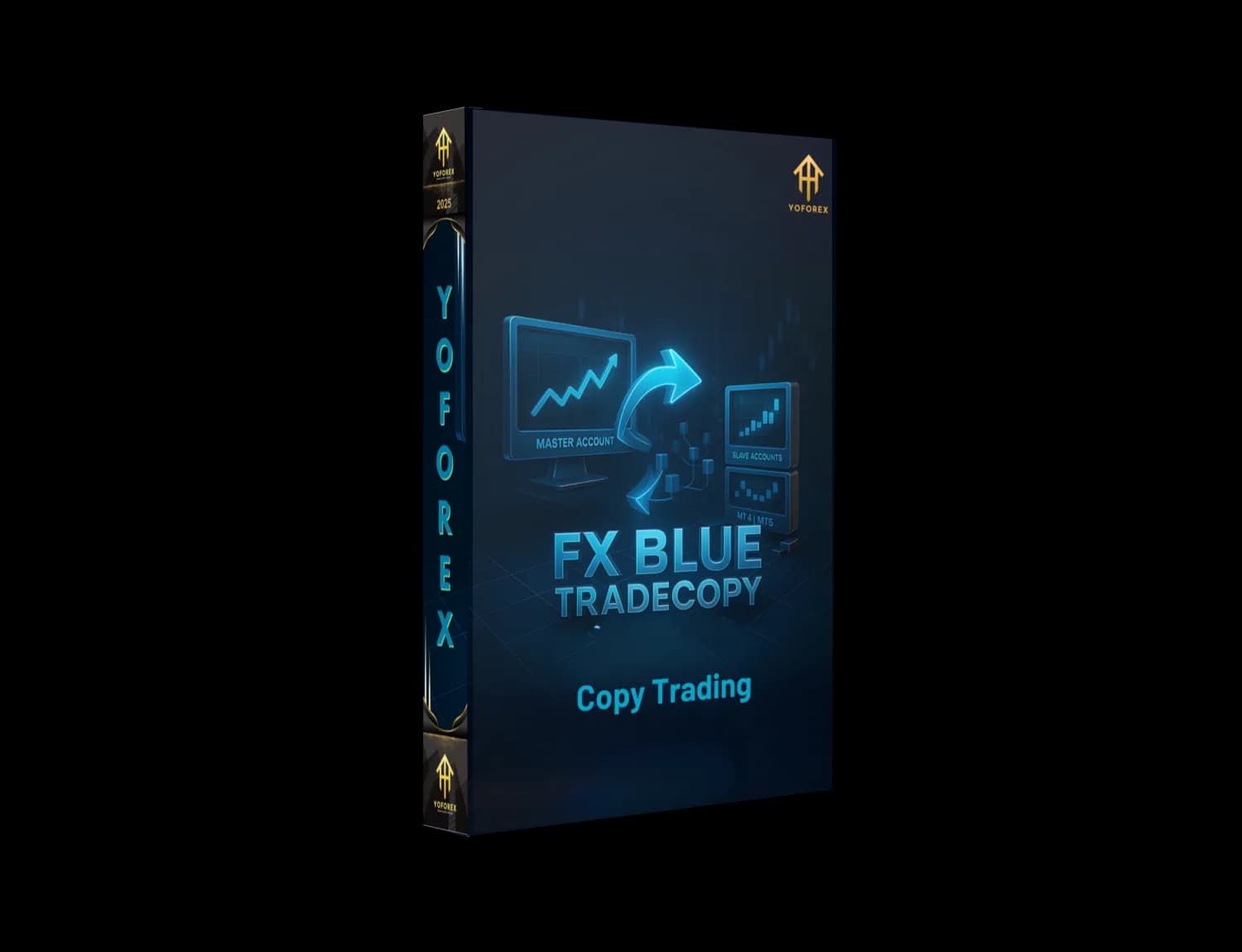
FX Blue TradeCopy: Fast, Reliable Copy Trading for MT4 & MT5
If you’ve ever wished you could clone a skilled trader’s positions onto multiple accounts—in real time and without babysitting—FX Blue TradeCopy is one of the most trusted ways to do it. It’s a lightweight, battle-tested copier that moves trades between MetaTrader accounts (both MT4 and MT5), whether you’re running a personal multi-account setup or managing trades for friends, family, or paying clients. In this guide, we’ll break down what FX Blue TradeCopy is, how it works, the features that matter, and smart ways to configure it so your copy trading stays smooth, safe, and scalable.
What is FX Blue TradeCopy?
FX Blue TradeCopy is a trade copier solution designed to transmit orders from a master (sender) account to one or more slave (receiver) accounts. It sits inside MetaTrader as an Expert Advisor (EA), so you don’t need to leave MT4/MT5 or add paid bridges. Think of it as a private “distribution hub” for your trades:
- You place or manage orders on the master.
- The copier sends those actions to the receivers.
- The receivers execute the same entries, stops, targets, and modifications—according to your risk rules.
This is ideal for prop traders running multiple funded accounts, signal providers distributing trades to subscribers, or individual traders who simply want the same strategy mirrored on a set of live and demo accounts.
How FX Blue TradeCopy Works (In Plain English)
FX Blue TradeCopy uses a Sender EA on the master chart and a Receiver EA on each follower account. When you open, modify, or close a trade on the master, the Sender EA broadcasts the instruction. The Receiver EA listens, translates that instruction into the follower’s broker context (symbol mapping, lot sizing, etc.), and then places the trade—usually in under a heartbeat, depending on your VPS, latency, and broker.
Because brokers use different symbols (think: XAUUSD vs GOLD, EURUSDm vs EURUSD), TradeCopy lets you map symbols and normalize contract sizes. You can also scale risk (by balance, equity, fixed lot, or multiplier), invert direction (if you want to hedge the master), filter which symbols get copied, and restrict trade types (market, pending, buy only, sell only, etc.).
Key Features You’ll Actually Use
- MT4 & MT5 support – Mix and match platforms; mirror strategies across different terminals.
- Low-latency copying – Designed for fast replication of entries, modifications, and closes.
- Flexible risk scaling – Fixed lots, equity-based, balance-based, or multiplier mode.
- Symbol mapping – Translate
EURUSDm↔EURUSD, handle suffixes/prefixes automatically. - Trade filtering – Copy only selected symbols, magic numbers, or ticket ranges.
- Direction control – Normal copy or inverse (master buy → follower sell), handy for hedging.
- Partial close & modifications – Mirrors SL/TP moves, trailing stops, and partial closes.
- Slippage & price controls – Define acceptable slippage and price deviation for entries.
- Order comments & magic numbers – Keep your copier’s trades clearly labeled and segregated.
- Capital protection – Set per-account max lot, daily loss stop, or disable copy if drawdown exceeds limits.
- Multi-master routing – Advanced setups can cherry-pick symbols from different masters.
- Works on local/VPS – Best results on a stable VPS near your broker for minimal lag.
Setup Guide (Step-by-Step)
1) Prepare your terminals
Install MT4/MT5 for each account you plan to use (master + followers). Log in to each terminal with valid credentials. For best performance, use a reliable Windows VPS that’s geographically close to your broker servers.
2) Attach the Sender EA to the master
Open any chart on the master account (commonly a quiet pair like EURUSD M1) and attach the Sender EA. You’ll see basic settings like channel/ID, magic filters, and which trade types to broadcast.
3) Attach the Receiver EA to each follower
On every follower account, open a chart and attach the Receiver EA. This is where you’ll configure risk mode (fixed lot vs percent/equity), symbol mapping (XAUUSD → GOLD), max lot per trade, and slippage thresholds.
4) Configure symbol mapping & filters
If your brokers use different naming conventions, set up symbol rules so the copier knows how to translate. Optionally, filter symbols (e.g., copy only XAUUSD and EURUSD) or restrict to certain magic numbers (to isolate a specific strategy on the master).
5) Test on demo first
Before going live, test a few trades on demo followers. Open/modify/close positions on the master and confirm the follower behavior: lot size scaling, SL/TP accuracy, partial closes, and trailing stops.
6) Move to live with a conservative start
Begin with a smaller risk multiplier or fixed lot, then scale once you confirm stability and slippage fits your broker conditions.
Smart Configuration Tips (Save Yourself Headaches)
- Pick a stable VPS: The copier is only as fast as your weakest link. A good VPS slashes latency and missed fills.
- Match leverage where possible: Different leverages can skew margin usage across accounts; plan your lot sizing accordingly.
- Use equity-based sizing: If follower balances vary, equity-based or balance-based sizing keeps risk proportional.
- Set guardrails: Max lot per trade, max daily loss, and “pause copy on drawdown” protect follower accounts if the master hits turbulence.
- Check symbol contracts: Gold and indices can have very different contract sizes across brokers; confirm that a 0.10 lot on master equals the follower’s intended exposure.
- Mind trade types: If your broker blocks hedging or certain pending orders, configure the copier to use allowed order types only.
- Keep it tidy with magic numbers: Assign unique magic numbers per strategy on the master, and filter on the receiver so you copy only what you intend.
Who Should Use FX Blue TradeCopy?
- Prop traders managing multiple funded accounts that need the same execution.
- Signal sellers distributing trades privately to paying clients without public trade rooms.
- Agencies & money managers synchronizing a core strategy across dozens of accounts.
- Individual traders who want their personal live, demo, and testing accounts to stay in sync.
If you’re scaling results across accounts—or just want operational consistency—TradeCopy beats manual duplication every time.
Pros and Cons
Pros
- Fast, robust, and proven across thousands of setups.
- Deep configuration for symbol mapping, risk, and filters.
- Works entirely within MetaTrader—no extra bridges needed.
- Mirrors modifications and partial closes reliably.
Cons
- Requires careful initial mapping for brokers with odd symbol names.
- Performance depends on VPS quality and broker execution.
- Not a “strategy”—it will copy both good and bad trades exactly as they happen.
Best Practices for Risk & Compliance
Copy trading doesn’t eliminate risk; it redistributes it. Always:
- Start on demo and simulate worst-case scenarios (slippage spikes, spreads widening, news whipsaws).
- Diversify masters or throttle risk if one strategy is highly volatile.
- Document client consent and risk disclosures if you manage third-party funds.
- Monitor drawdowns in real time—use alerts to pause copying if a threshold is breached.
Final Thoughts
FX Blue TradeCopy remains a dependable, feature-rich choice for copying trades across MetaTrader accounts. With careful setup—especially around risk scaling, symbol mapping, and protective limits—you’ll get a streamlined, professional copy-trading workflow that feels “hands-off” once it’s dialed in. Start on demo, validate behavior, and scale gradually. That’s how you keep the copier working for you, not against you.
Happy Trading
Professional Assets
Unlock the expert tools and configurations mentioned in this article.
Get Files NowSecure Gateway • Verified by YoPips
Swarnalata
Financial analyst and professional trader dedicated to cracking the code of forex markets. Join our community for daily insights and expert tool reviews.
Never miss a market crack.
Join 15,000+ traders receiving our weekly breakdown of elite tools and strategies.
No spam. Just high-impact trading insights.